 Shortsly
Create shorts in minutes.
Give Shortsly a script or a voiceover. It builds the scenes, characters and captions, then hands it all back as a timeline you can still edit.







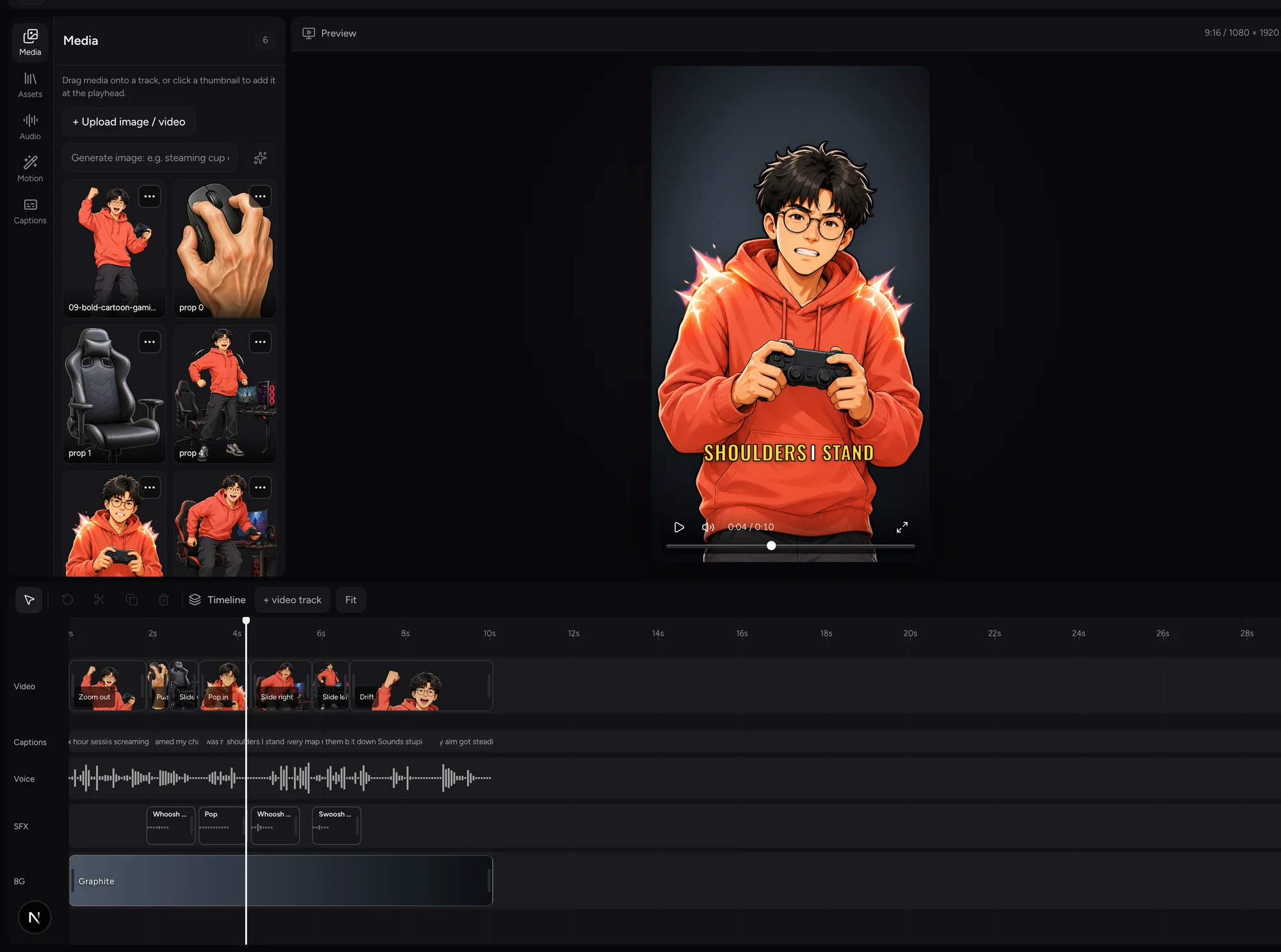
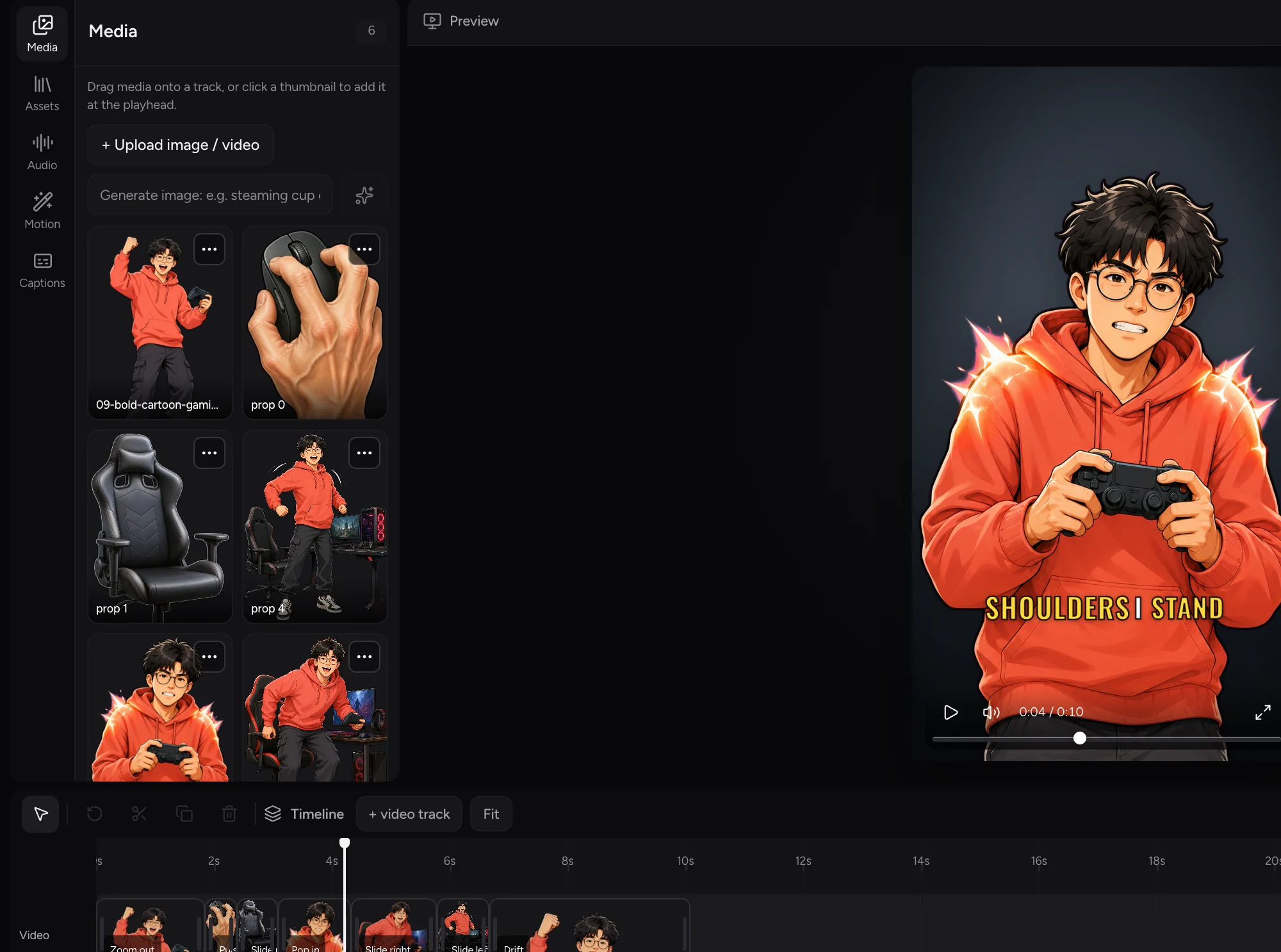
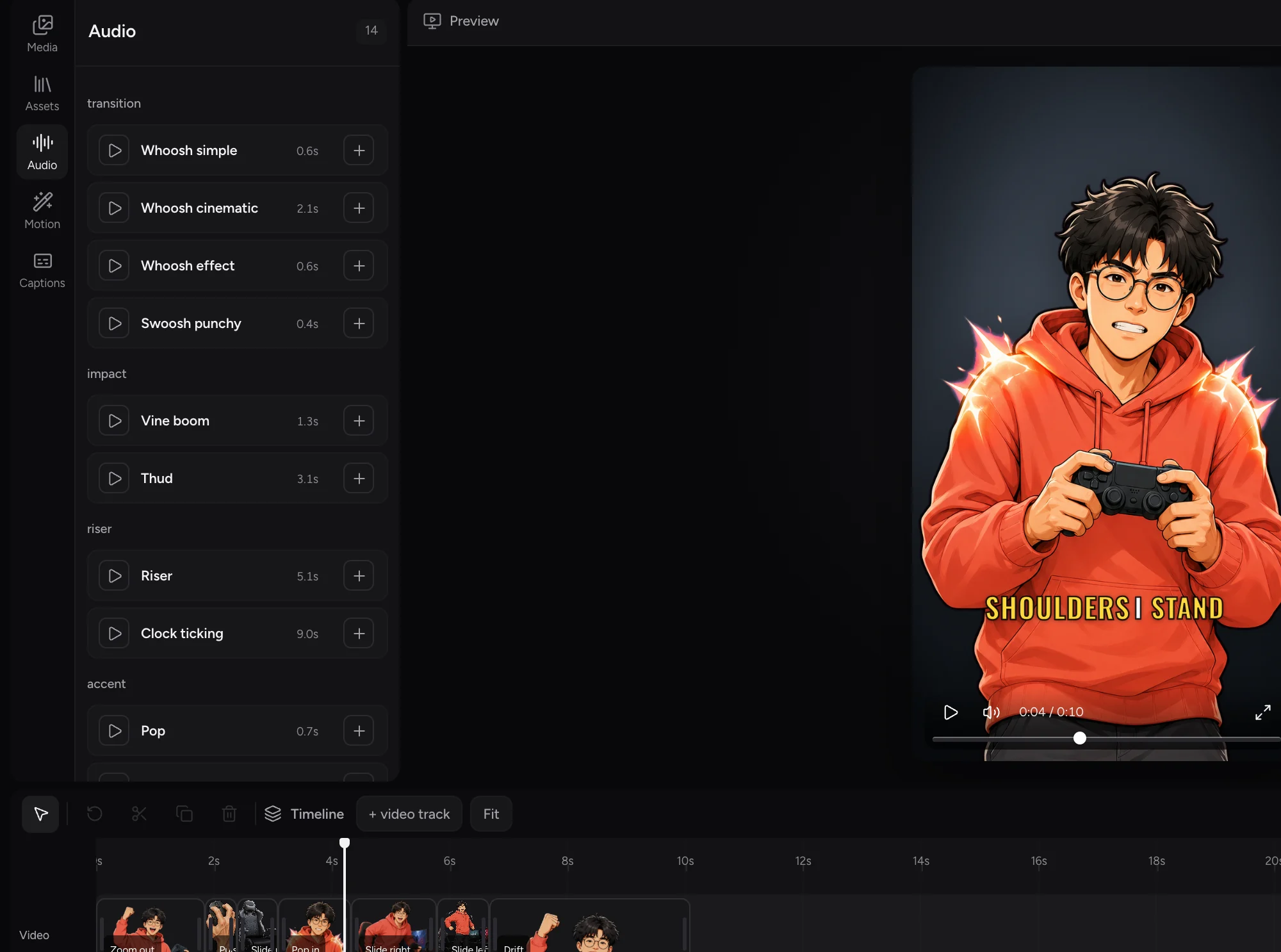
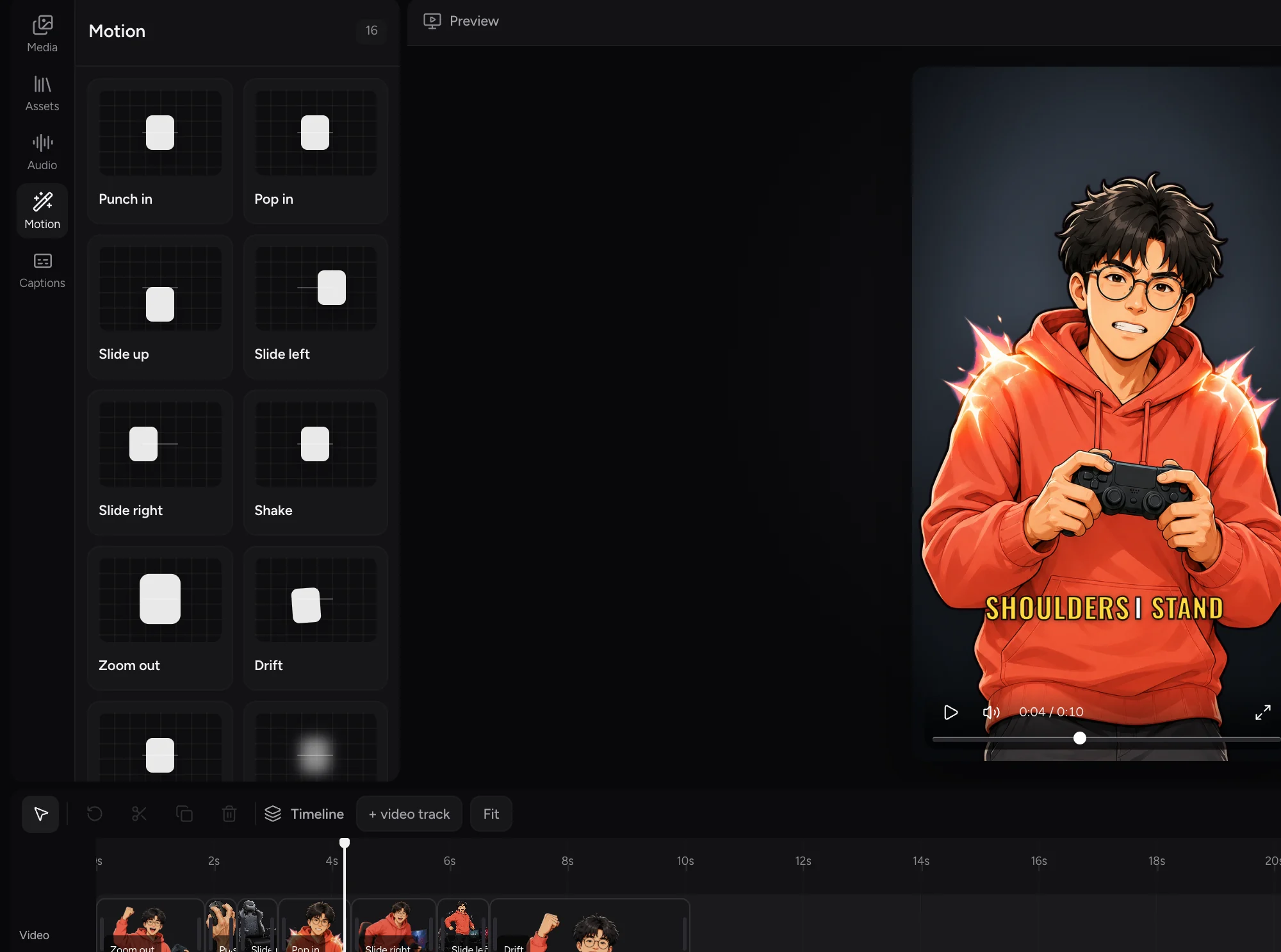
Edit your video before you export
Open any panel to adjust the timeline, media, sound, motion, or captions.
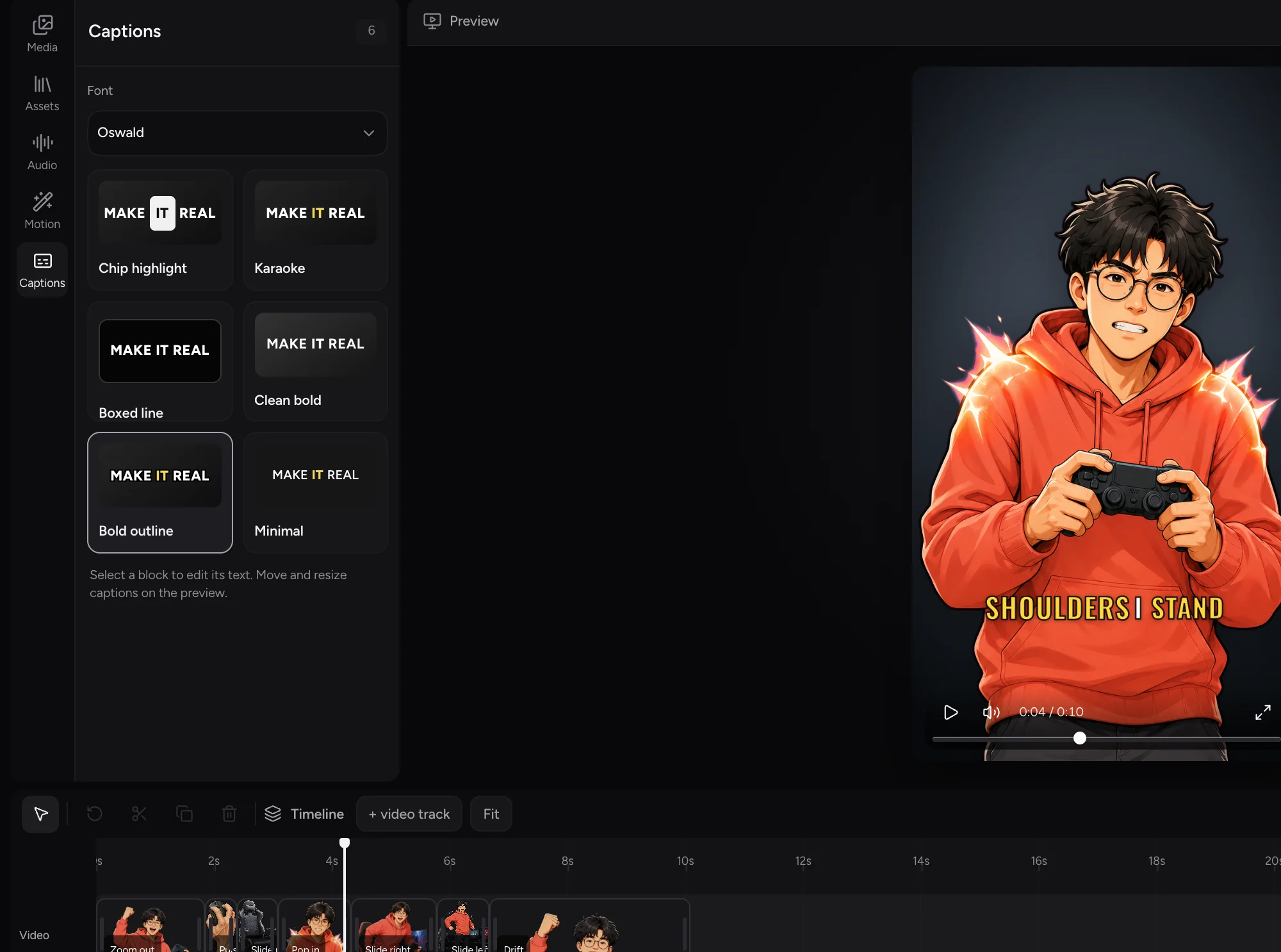



Made with Shortsly



Start with what you have
Four ways in. Any of them works.
01
Upload a voiceover
Drop in audio you already recorded. Captions are timed to it, word by word.
02
Reuse one you made before
Pull one from a past project. Nothing is generated again, so it costs no credits.
03
Write a script
Type it and pick a voice. The director plans the scenes and generates any prop you are missing.
04
Bring your own media
Start from your own footage and photos. A silent video works, no script needed.



Fine-tune every detail
Adjust clips, captions, sound, and backgrounds directly in the timeline before you export.
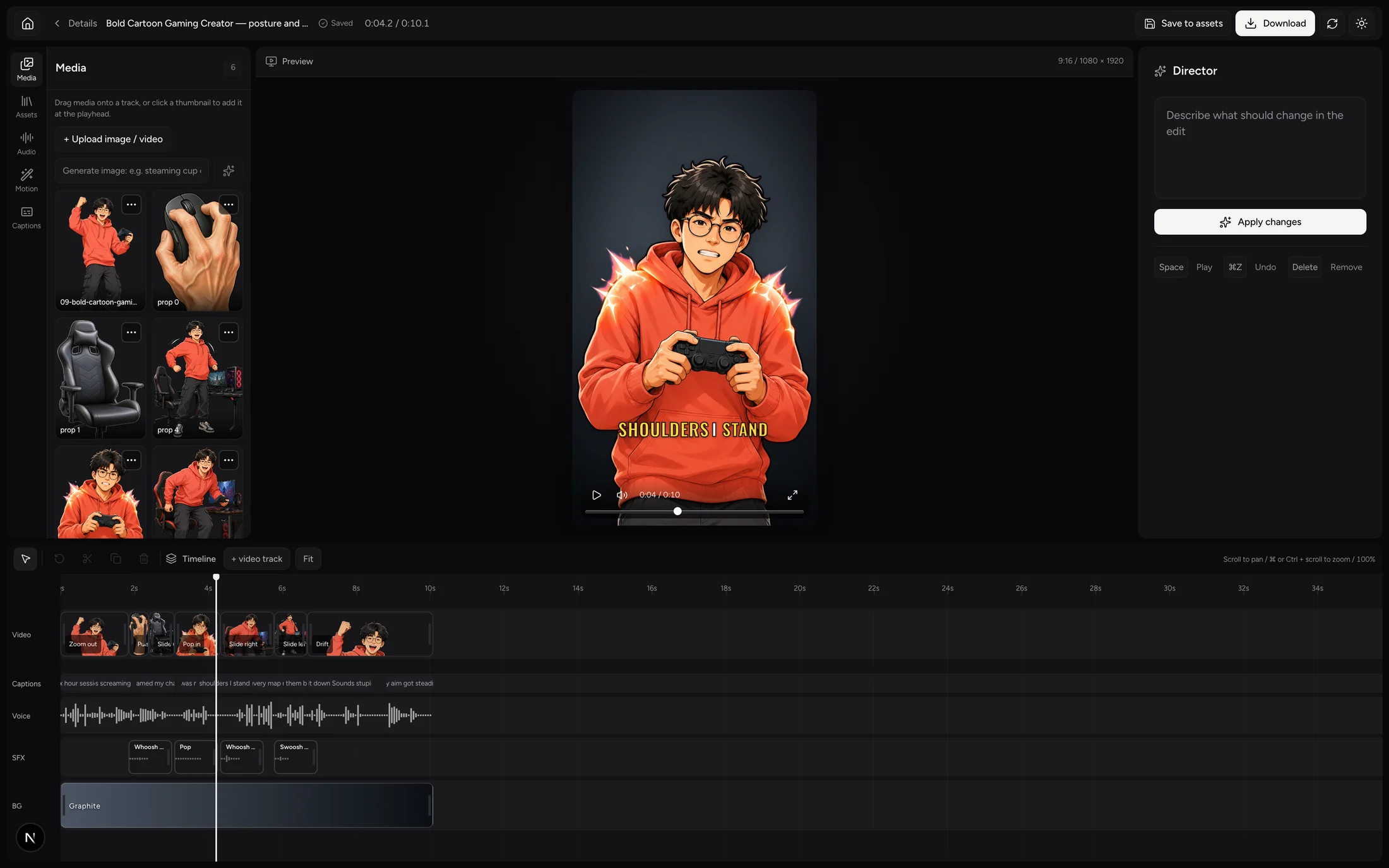
Three video tracks
Clips snap to each other, so a cut lands where you meant it.
Any caption word
Retype one word. The timing holds, so the line stays in sync.
Position, size, rotation
Drag the handles on the preview itself, not in a properties panel.
Sound effects
Move any cue the director placed, or trim it.
Backgrounds
Presets or your own. Background removal and chroma keying, on images and video.
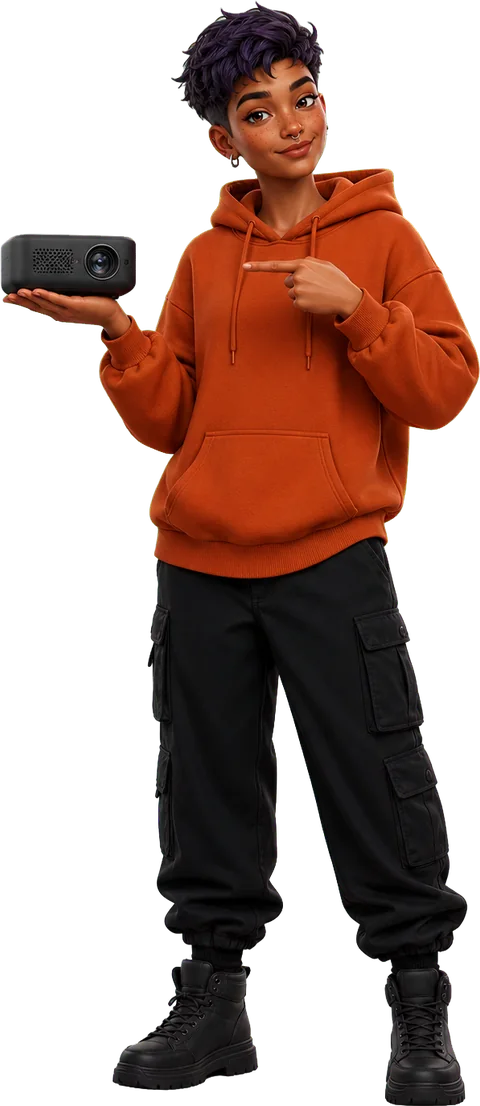
Create characters. Reuse them anywhere.
Save any character as an avatar and bring the same look into every project.


















































The cast includes 50 characters across five style families: Cartoon-realistic, Bold cartoon, Anime, 3D cartoon, Ink sketch.


Plans and credits
What a video costs depends on the script length, the photos you attach, and whether the voiceover is new or reused. You buy a monthly allowance, and reusing anything is free.
Free
$0forever
300 credits a month
The whole product, before you pay anything.
- Every feature on this page
- The full editor
- Word-synced captions
- Videos carry a Shortsly mark
Starter
$10a month
1,000 credits a month
For a first handful of videos a month.
- No watermark
- 1,000 credits a month
Plus
Most picked$24a month
2,500 credits a month
For creators publishing every week.
- No watermark
- 2,500 credits a month
Pro
$49a month
5,000 credits a month
For publishing on more than one channel.
- No watermark
- 5,000 credits a month
Max
$99a month
10,000 credits a month
For heavy use, teams and client work.
- No watermark
- 10,000 credits a month


Questions people ask
How long does a short take?
Minutes, not an afternoon. It depends on your script length and how many images have to be generated.
How many credits does a video cost?
There is no fixed rate. More photos and a longer script cost more. Anything you reuse from your library is free.
What do I get back?
A project on a timeline, not a finished file. Tracks, captions and sound effects stay separate. You render an MP4 when you want one.
What size are the videos?
Vertical 9:16, 1080×1920, 30fps, h264. That is the only size today.
Can I reuse the same character?
Yes. Save it as an avatar and use the same face in any project. Styles work the same way.
Why the magenta screen?
They are keyed out afterwards. Green would eat into food and nature footage; magenta almost never appears in it.